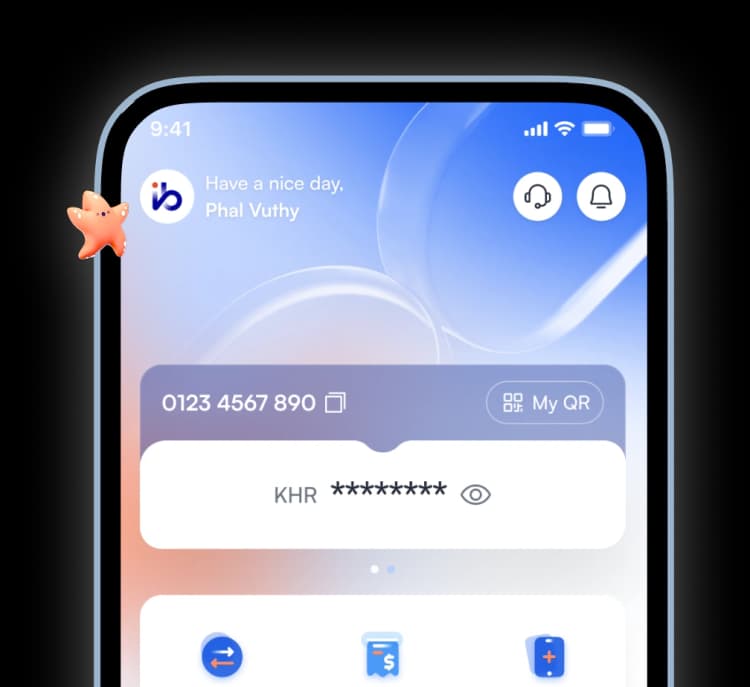


Instant Access. Fully Digital.

iBank Virtual Card

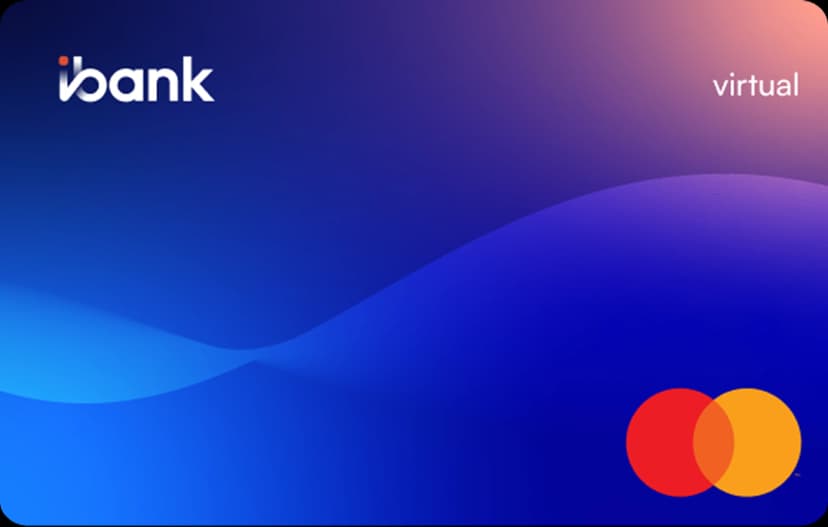
Meet Your iBank Virtual Card

iBank Virtual Card is an instantly issued on-screen image of a card. It has all the properties and attributes of real Mastercard, but only exists virtually and does not have a physical carrier. With Virtual Card from iBank, you can make payments or purchases exactly the same way as with real card on any online store that displays Mastercard logo.

Beyond Convenience, with Confidence 🎉

No Issuance or Annual Fees
Instant Card Activation
Secure Online Transactions
Real-time Transaction Notifications
Enhanced Privacy and Security
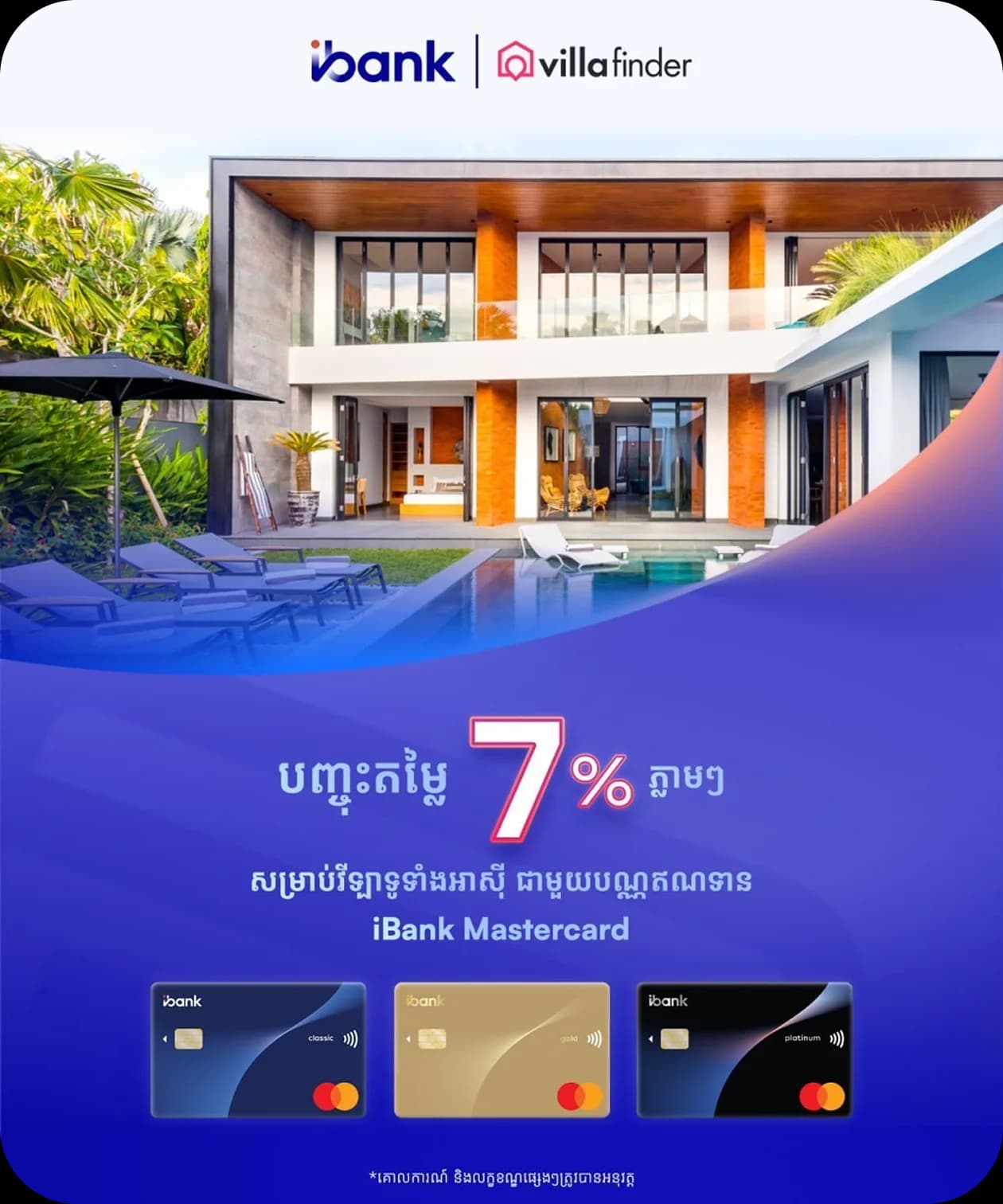
About iBank Virtual Card

Terms & Conditions
Eligibility
Any​ iBank​ Mobile​ App​ User
Annual Fee
Free
Currency
USD
Type of Card
Mastercard
Card​ Validity
2 Years
Daily​ Purchase​ Limit
Up to USD 2,000.00 Per Card
Daily Purchase Count
Up to 10 Transactions Per Card
  • Download iBank Mobile

    Available on App Store and Google Play

    Start Enjoying Your
    Virtual Card in
    Just Seconds! 🎉

    App QR

    Scan QR

  • 01

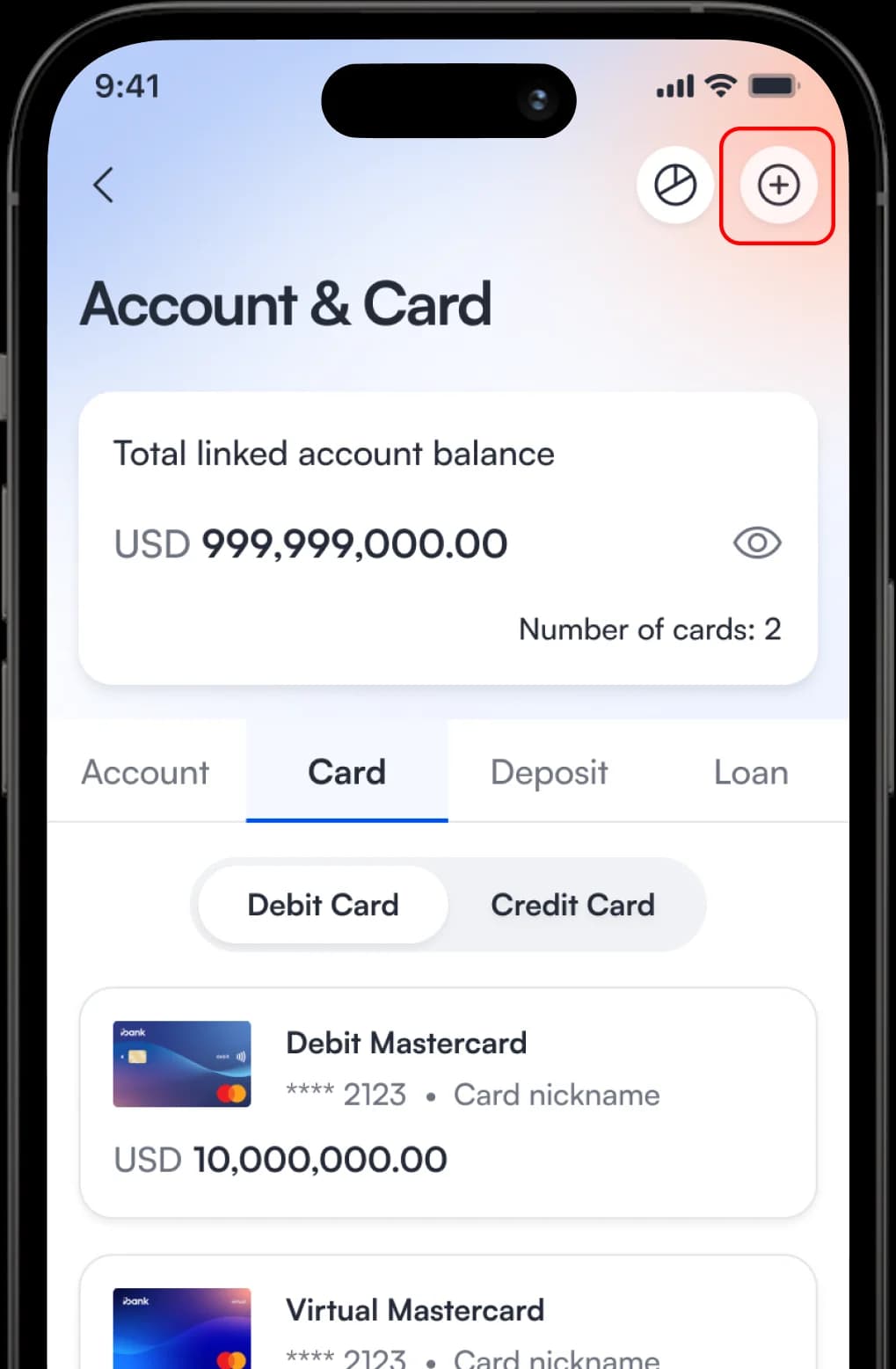
    Tap The “Add New” Button in The Card Section.
    Start Enjoying Your
    Virtual Card in
    Just Seconds!️ 🎉

  • 02

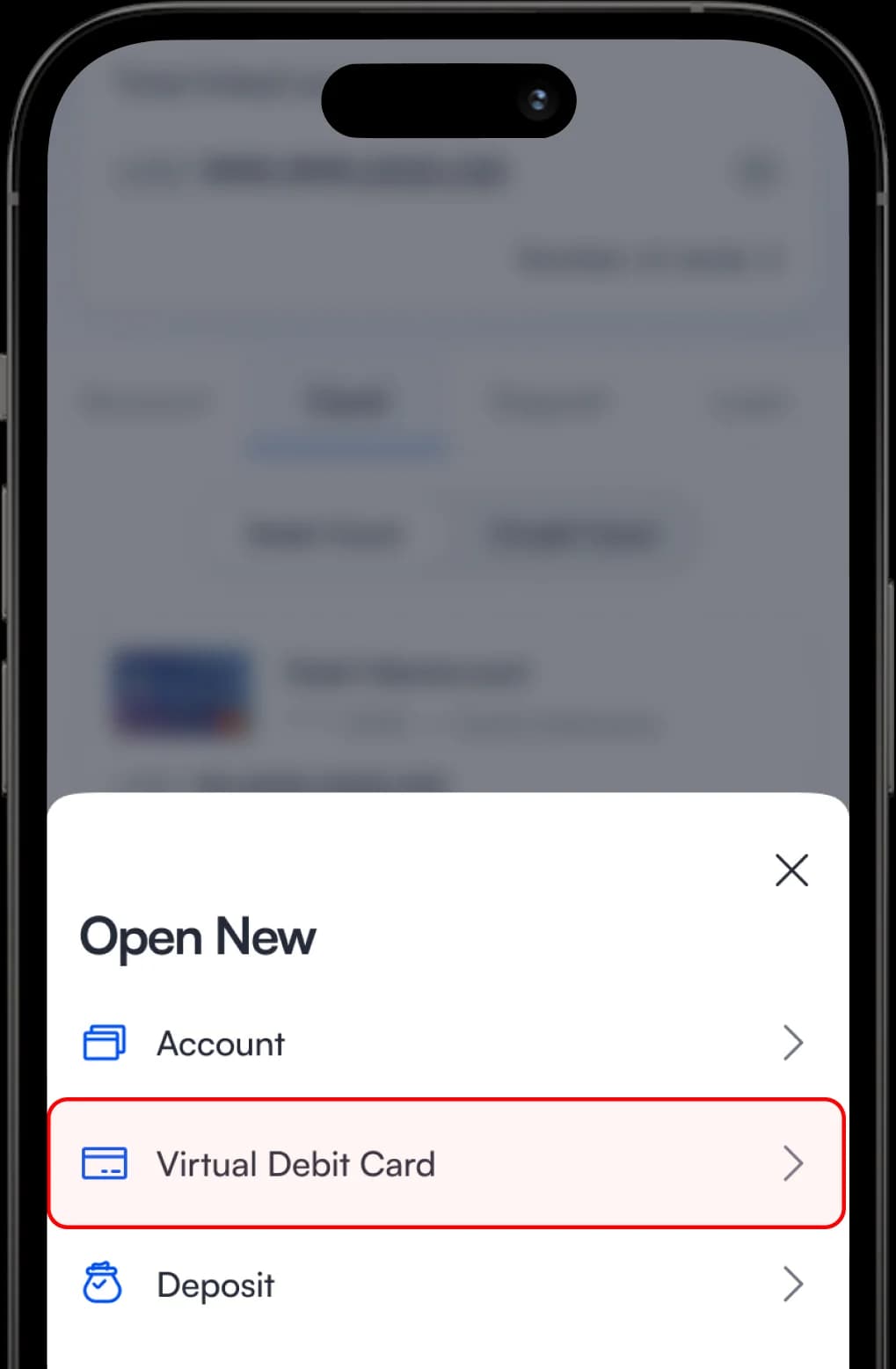
    Select “Virtual Debit Card” From The Options.
    Start Enjoying Your
    Virtual Card in
    Just Seconds! 🎉

  • 03

    Choose The Source Account You Want to Link.
    Start Enjoying Your
    Virtual Card in
    Just Seconds! 🎉

  • 04

    Select The Card Type, Then Tap “Select”.

    Start Enjoying Your
    Virtual Card in
    Just Seconds! 🎉

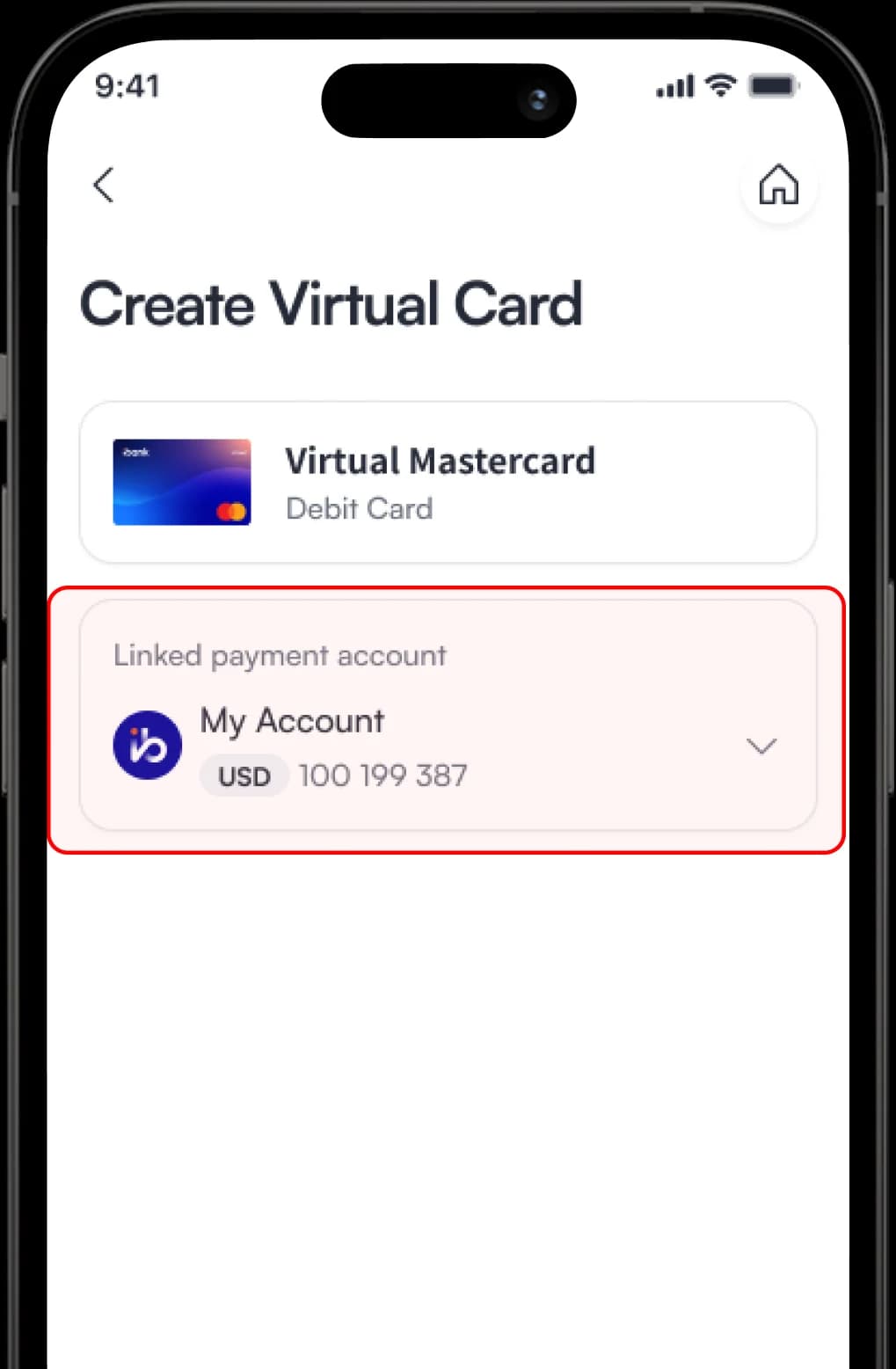
  • 05

    Confirm The Linked Payment Account, Then Tap “Create”.

    Start Enjoying Your
    Virtual Card in
    Just Seconds! 🎉

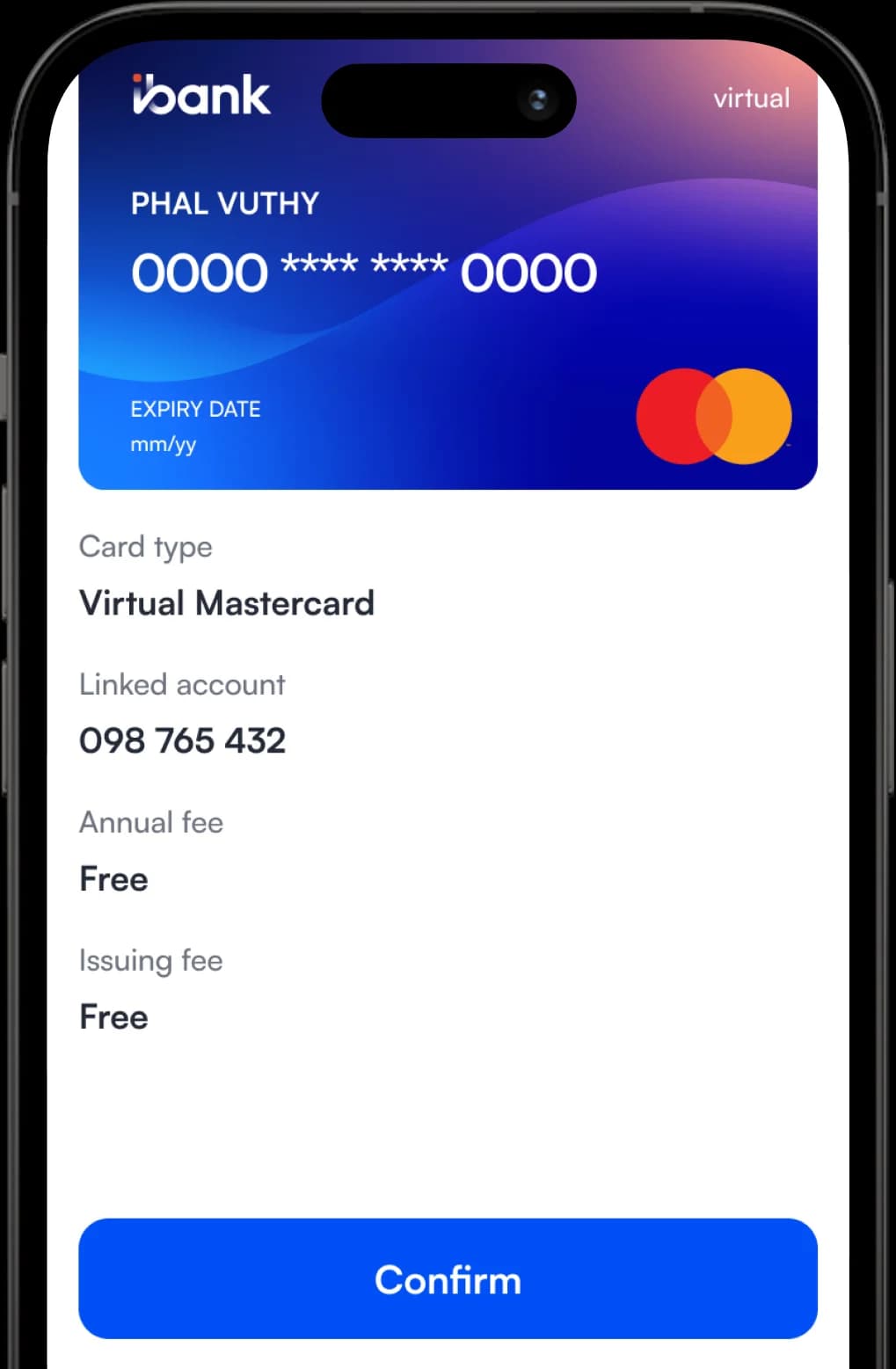
  • 06

    Review Your Card Details on The Confirmation Screen and Tap “Confirm”.
    Start Enjoying Your
    Virtual Card in
    Just Seconds! 🎉

  • 07

    Authorize The Transaction via Face ID, Touch ID, or Passcode.

    Start Enjoying Your
    Virtual Card in
    Just Seconds! 🎉

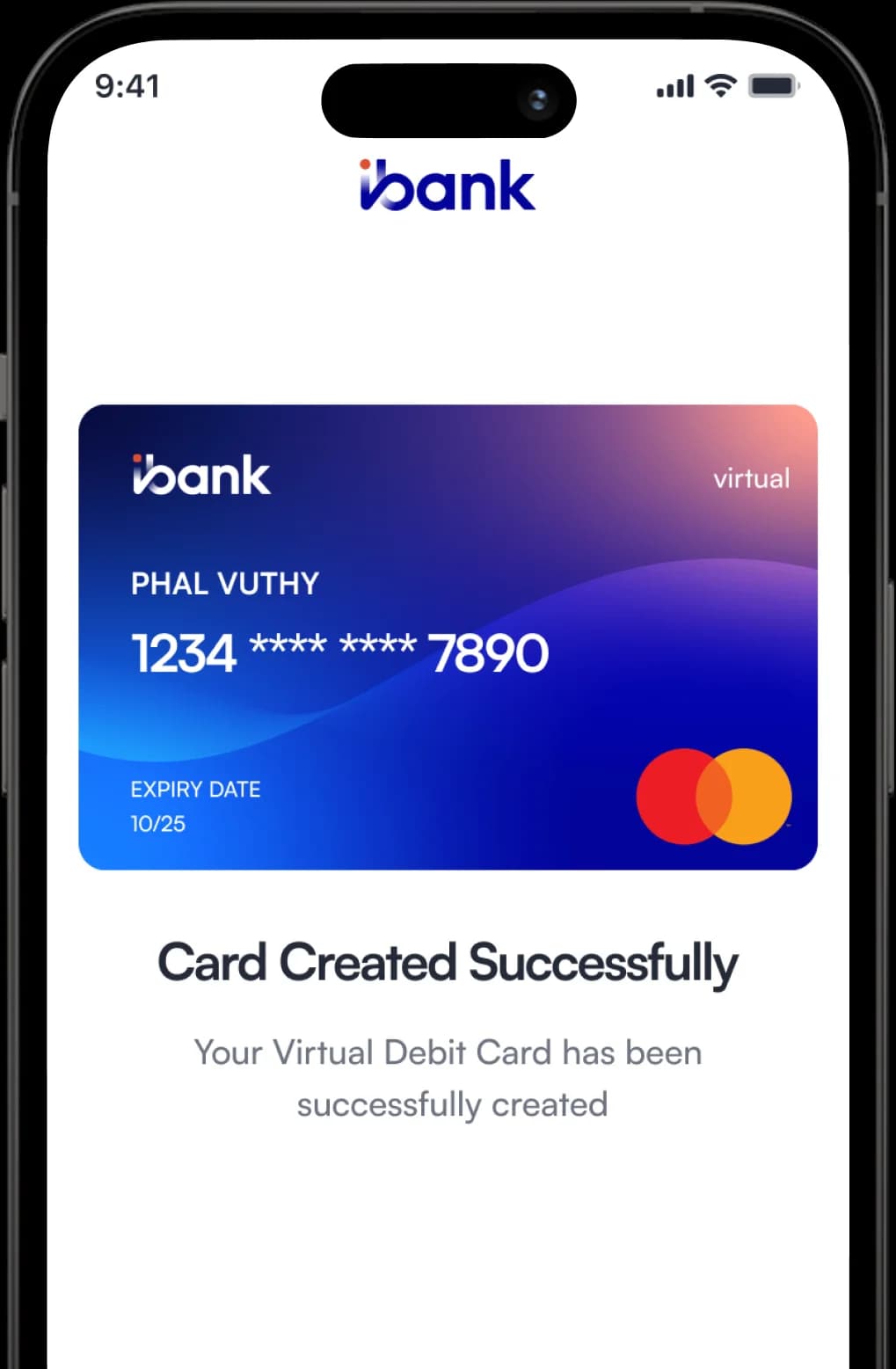
  • 08

    Your Virtual Debit Card is Now Successfully Created!
    Start Enjoying Your
    Virtual Card in
    Just Seconds! 🎉

    • Download iBank Mobile

      Available on App Store and Google Play

      Start Enjoying Your
      Virtual Card in
      Just Seconds! 🎉

      App QR

      Scan QR

    • 01

      Tap The “Add New” Button in The Card Section.

      Start Enjoying Your
      Virtual Card in
      Just Seconds!️ 🎉

    • 02

      Select “Virtual Debit Card” From The Options.

      Start Enjoying Your
      Virtual Card in
      Just Seconds! 🎉

    • 03

      Choose The Source Account You Want to Link.

      Start Enjoying Your
      Virtual Card in
      Just Seconds! 🎉

    • 04

      Select The Card Type, Then Tap “Select”.

      Start Enjoying Your
      Virtual Card in
      Just Seconds! 🎉

    • 05

      Confirm The Linked Payment Account, Then Tap “Create”.

      Start Enjoying Your
      Virtual Card in
      Just Seconds! 🎉

    • 06

      Review Your Card Details on The Confirmation Screen and Tap “Confirm”.

      Start Enjoying Your
      Virtual Card in
      Just Seconds! 🎉

    • 07

      Authorize The Transaction via Face ID, Touch ID, or Passcode.

      Start Enjoying Your
      Virtual Card in
      Just Seconds! 🎉

    • 08

      Your Virtual Debit Card is Now Successfully Created!

      Start Enjoying Your
      Virtual Card in
      Just Seconds! 🎉

      Frequently Asked Questions

      Is there any fee for using a Virtual Card?

      No. iBank Virtual Card has no issuance or annual fee.

      Do I need to complete full eKYC to use the Virtual Card?

      Yes, a full eKYC (electronic Know Your Customer) verification is required to activate and use the iBank Virtual Card. This ensures secure and compliant usage aligned with banking regulations.

      What is the purchase limit for the Virtual Card?

      The daily purchase limit is up to USD 2,000.00 per card, with a maximum of 10 transactions per day.

      Can I use the Virtual Card for all types of online payments?

      Yes. You can use the iBank Virtual Card for online purchases, subscriptions, and payments at any website or app that accepts Mastercard.

      Online Banking Within Your Palm

      Open account with only a few simple and easy steps.
      Get iBank mobile app now!

      App QR

      Scan QR